Use what is already in the kitchen
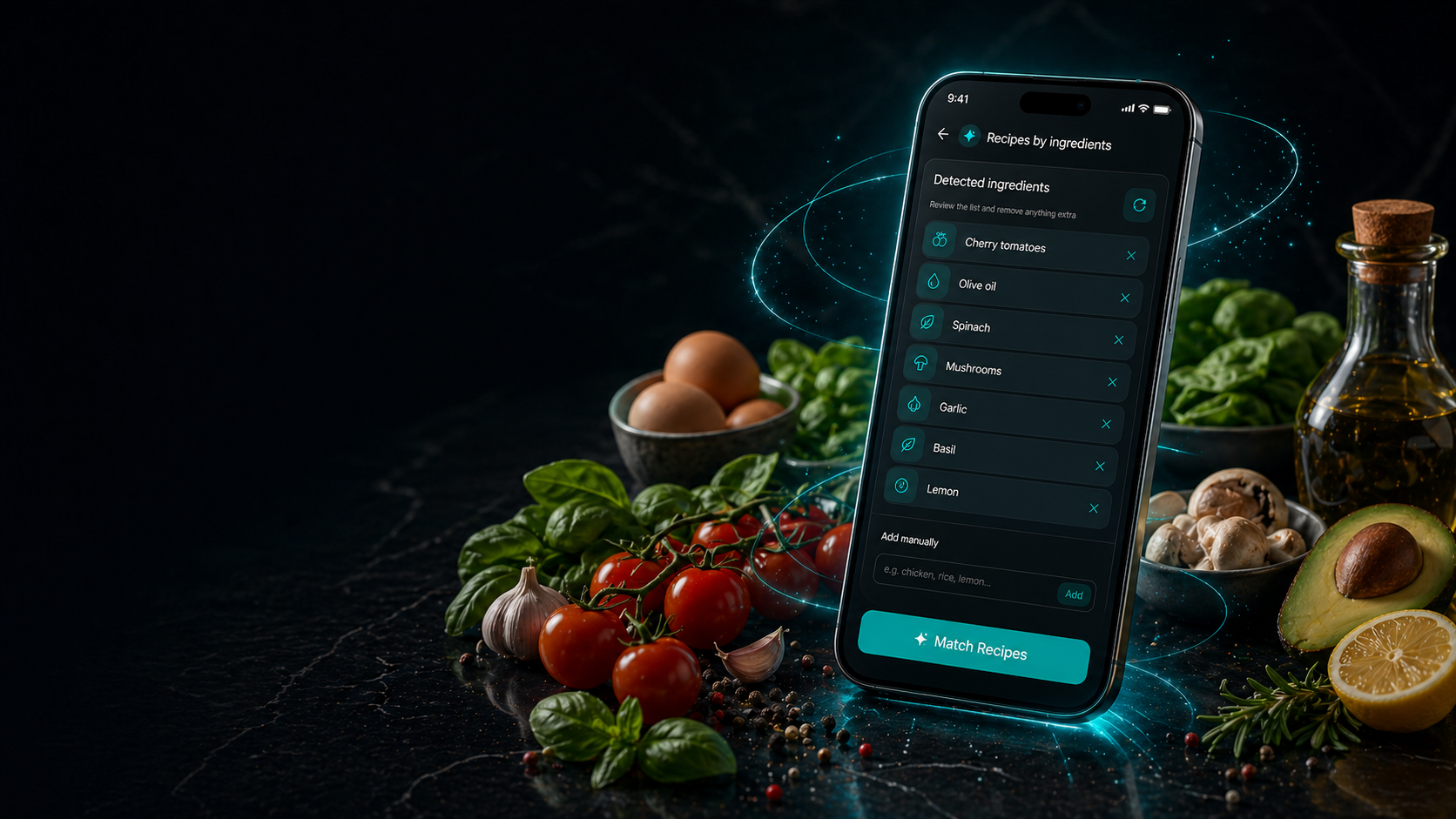
Upload up to 3 photos, add ingredients by text, confirm what the app recognized, and get recipe ideas from the food you already own.
AI kitchen assistant
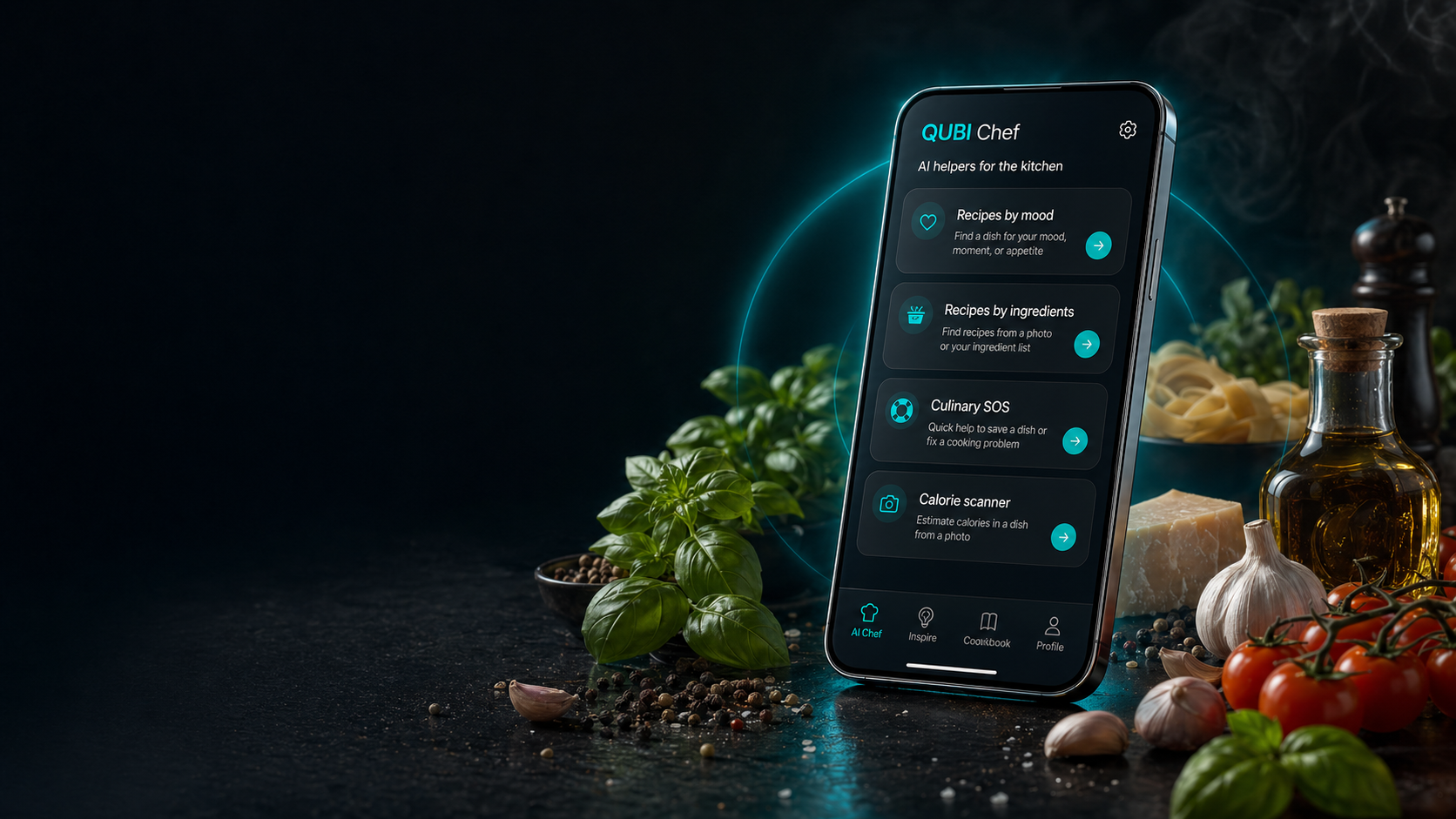
QUBI Chef helps with real-life cooking: ingredient-based recipes, Culinary SOS, mood-based ideas, calorie estimates from a photo, and a personal cookbook for the recipes worth keeping.
Google Play and App Store are live. Download QUBI Chef on Android, iPhone, and iPad.
What QUBI Chef solves
QUBI Chef helps when the fridge is random, the craving is vague, the pan is too salty, or you simply want a faster path to dinner.
Upload up to 3 photos, add ingredients by text, confirm what the app recognized, and get recipe ideas from the food you already own.
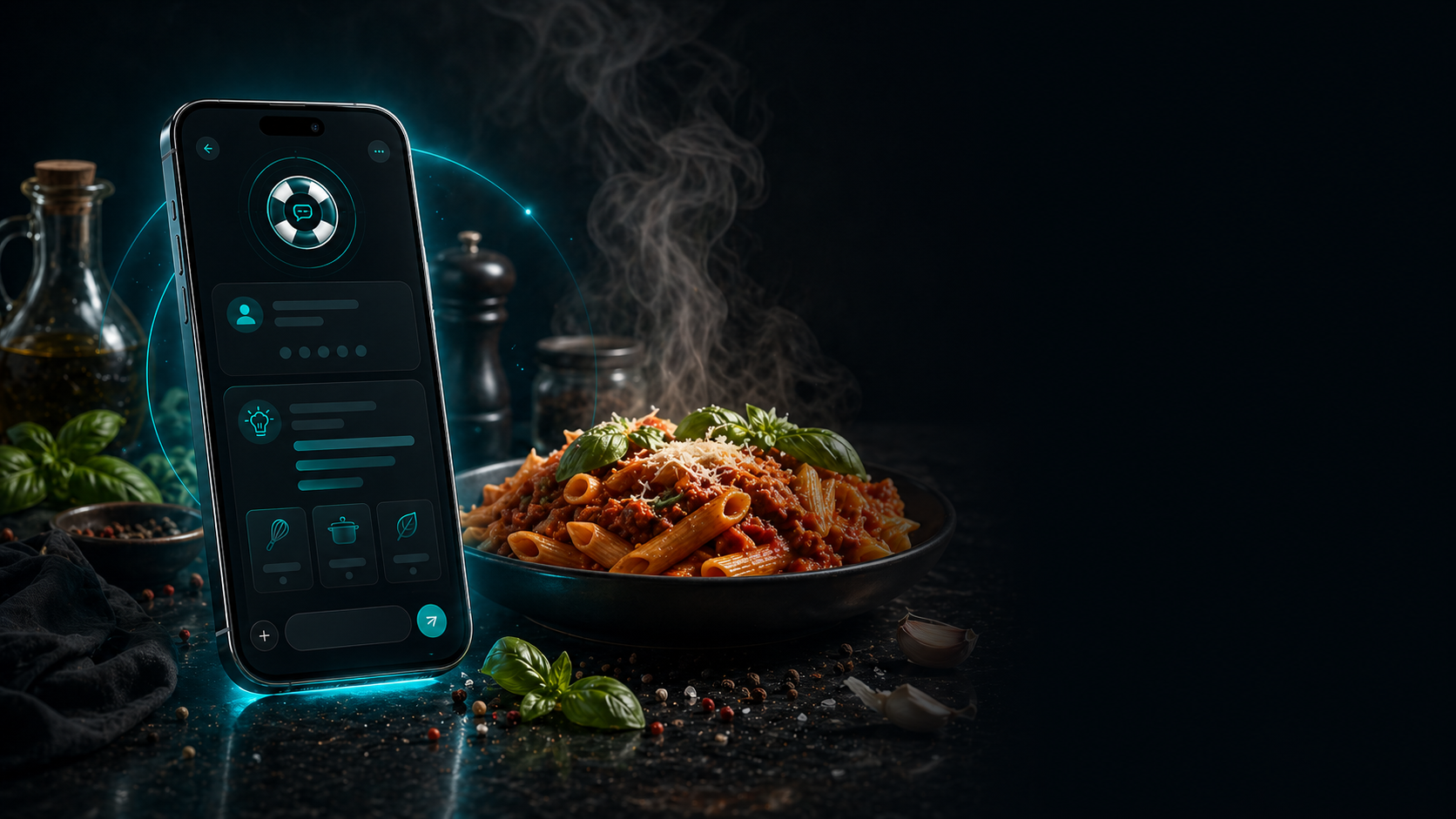
Describe the problem or attach a photo when a dish is too salty, dry, spicy, watery, or almost gone wrong, and get clear step-by-step help.
Describe the vibe, occasion, craving, or atmosphere and QUBI Chef suggests something that fits a cozy dinner, guests, quick dinners, desserts, comfort food, and more.
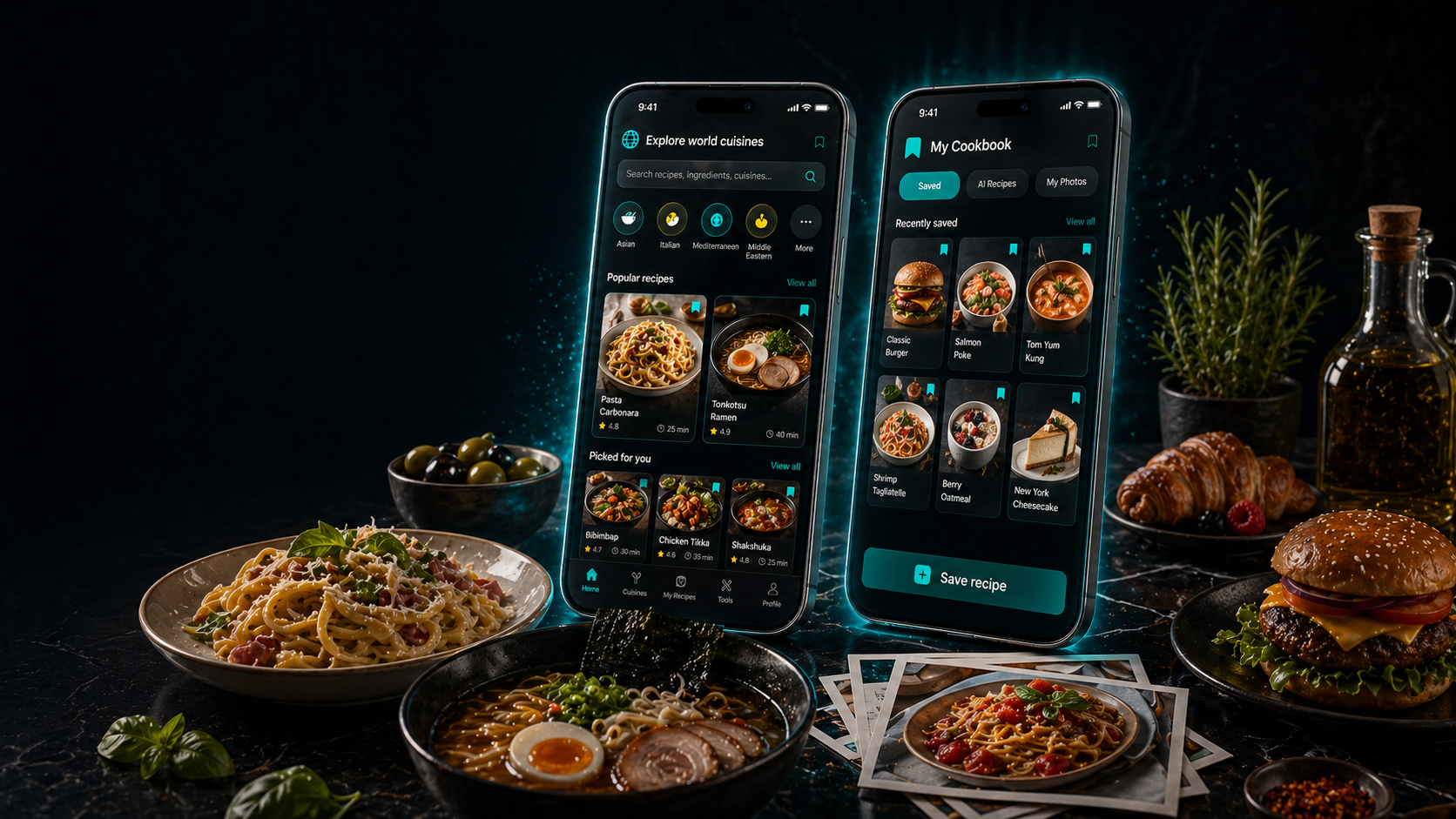
Scan a plate for AI calorie and macro estimates, then save the recipes that worked into a searchable personal cookbook.
From ingredients to ideas
QUBI Chef turns random ingredients into useful next steps, whether you want a quick dinner, a smarter leftovers plan, or several ways to explore the same food set.
Review the detected ingredients before generating recipes so the result stays practical and relevant.
Ask for fresh recipe variations in several steps and keep digging deeper into the same ingredient combination.
It is built for half-empty shelves, forgotten vegetables, and the familiar feeling that there is nothing to cook.
Useful in the middle of cooking
This is not only a recipe finder. It helps when something breaks, the mood changes, or you want a quick nutrition estimate without opening five different apps.
Get rescue guidance for dishes that are oversalted, too dry, too spicy, too liquid, or almost spoiled.
01Ask by feeling instead of ingredient list and get ideas for cozy evenings, guests, quick dinners, sweets, and comfort food.
02Take a photo to estimate calories, macros, likely ingredients, and portion weight. Add a short note when you want a tighter estimate.
03Inspiration that stays organized
When something works, QUBI Chef does not let it vanish into screenshots, tabs, and forgotten notes.
Browse recipes from different countries and filter by category, rating, time, difficulty, or alphabet to find something new for any day.
Save both world recipes and AI-generated recipes, search them later, and add your own photos to the recipes you love.
Check ingredients while cooking, compare what you have with what you need, open matching videos, share recipes, and save them for later.
Why people choose QUBI Chef
QUBI Chef earns its place because it removes hesitation, saves ingredients, and stays useful from the first idea to the last bite.
The app starts with your actual ingredients, not an ideal pantry.
Culinary SOS is built for real mistakes, not perfect kitchens.
You get a direct path from indecision to something you can cook tonight.
World cuisines open up everyday inspiration without sending you through random blogs.
Quick AI nutrition estimates help when you want a practical overview of the meal.
Your best AI recipes and saved finds live together in one cookbook.